
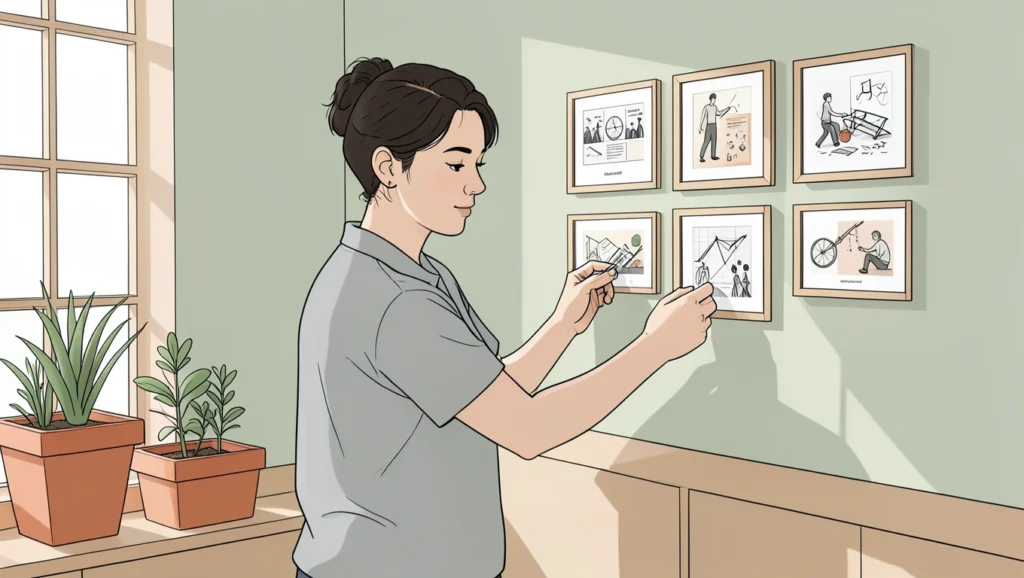
A portfolio site that lands in front of a client for three seconds needs to answer one question: can this person do the work? Most freelancer portfolios fail because they bury that answer under navigation clutter, weak samples, or generic copy that could describe anyone. WordPress gives you the structure to build a portfolio that answers yes before the prospect scrolls, but only if you configure it to highlight work over decoration and trust over feature lists. This guide walks through the dashboard decisions that turn a WordPress install into a client-winning portfolio, the plugins that handle galleries without code, and the specific mistakes that kill credibility before you get a reply.
The setup
Dashboard > Pages > Add New, combined with Appearance > Customize for homepage settings and a portfolio plugin from Plugins > Add New. You're building a static homepage that showcases three to five best projects, a contact form, and a brief services statement. This is not a blog structure with posts rolling down the front page, and it is not a generic business theme with a hero slider and testimonials above the fold.
Pick a homepage structure that shows work first
Go to Settings > Reading and set "Your homepage displays" to "A static page". Create two pages: one named Home, one named Blog (or Journal, or News). Set Home as your homepage and Blog as your posts page. This separates your portfolio presentation from any blog content you publish later.
Your homepage needs one thing above the fold: a grid of your best work. Not a paragraph about your philosophy, not a rotating banner of stock photos, not a list of services. Research shows approximately 74% of clients review portfolios before making a decision, and they make that decision in seconds. If your work is not visible without scrolling, you've lost the chance.

Install a portfolio plugin that creates a custom post type for projects. WP Portfolio offers quick setup with ready-made templates and responsive layouts. Visual Portfolio generates shortcodes for Masonry, Justified, Tiles, and Carousel views with predefined hover effects. Radius Portfolio adds grid layouts, isotope filters, and carousel sliders, and it works with Gutenberg and Elementor. Pick one, install it, and create a new custom post type entry for each project you want to feature.
Each project entry should include a featured image (the thumbnail that appears in the grid), a gallery of 3-5 images showing the work, a short description of the problem and your solution, and optionally the client name if you have permission. Do not write a novel. Two paragraphs maximum. The images do the persuading; the text explains context.
Add the portfolio shortcode or block to your homepage. Most plugins let you choose the number of columns, the number of items, and whether to show categories or filters. Start with a three-column grid showing your five best projects. Research confirms that showcasing three to five of your best projects is more effective than displaying a large number of weaker ones. Quality beats volume every time.
Add a contact form that removes friction
Clients who want to hire you need a fast path to start a conversation. Install WPForms, which offers a drag-and-drop interface, conditional logic for personalized forms, and integrations with email marketing platforms. The free version handles basic contact forms; premium plans start at $49.50 per year if you need payment fields or advanced routing.
Go to WPForms > Add New and choose the Simple Contact Form template. Customize the fields to ask for name, email, project type (use a dropdown), budget range (optional but useful for qualifying leads), and a message. Enable email notifications so inquiries land in your inbox immediately, and add a confirmation message that sets expectations, like "I'll reply within 24 hours."
Place the form on a dedicated Contact page, and link to that page from your main navigation. Also embed the form in a shorter version at the bottom of your homepage, below the portfolio grid. Some prospects will message you the moment they see work that fits their need; don't make them hunt for a way to reach you.
Never use a mailto link or display your email address as plain text. It invites spam, and it forces the visitor to switch contexts to their email client. A form on the page keeps them engaged and gives you structured data to route inquiries properly.
Write an about section that builds trust, not a resume
Create a page named About and link it from your main menu. This is where you answer the second question clients ask after "can they do the work?": will this person be reliable, easy to work with, and understand my problem?
Write two to three paragraphs that cover your background, your process, and the type of clients you serve best. Skip the chronological job history and the list of every skill you've ever touched. Instead, explain the transition moments that led you to freelance work, the industries or project types you focus on, and how you typically collaborate with clients (asynchronous check-ins, weekly calls, whatever your rhythm is).
Add a professional photo. It does not need to be a corporate headshot, but it needs to be a clear picture of your face in good light. Freelancers who have a portfolio are hired nine times more often than those without one, and a face attached to the work increases that trust signal further.
Include a short list of services or specializations, but phrase them as client outcomes rather than technical buzzwords. Instead of "responsive design, SEO optimization, performance tuning," write "websites that load fast, rank well, and work on any device." This positions you as someone solving problems, not someone executing a checklist.
What breaks
Portfolio images load slowly or break the layout on mobile
You uploaded high-resolution files straight from your design tool, and now the homepage takes eight seconds to load or the grid collapses into a single column on phones. WordPress does not automatically compress images to web-optimized sizes unless you configure it. Install a plugin like Smush or ShortPixel to compress images on upload, and set your portfolio plugin to generate thumbnails at a fixed width (1200px is a safe maximum). Go back through your existing project posts and regenerate thumbnails if the plugin offers that option. Test the homepage on your phone using an incognito tab to see the real load time without cached assets.
Contact form submissions go to spam or never arrive
You set up WPForms, published the contact page, but test submissions never reach your inbox. Most shared hosting providers (Bluehost, SiteGround, GoDaddy) have spotty email delivery because WordPress uses the PHP mail function, which ISPs often flag as suspicious. Install WP Mail SMTP and configure it to send through a real SMTP service like Gmail, SendGrid, or Mailgun. Go to WP Mail SMTP > Settings, choose your mailer, enter your credentials, and send a test email from the plugin dashboard. This routes form notifications through a trusted server and fixes deliverability immediately.
Portfolio plugin shortcode shows nothing or displays raw code
You pasted the shortcode from the portfolio plugin into your homepage, but instead of a grid you see the literal text of the shortcode or a blank section. The plugin is not active, or the shortcode is malformed, or your theme strips shortcodes from certain content areas. Go to Plugins > Installed Plugins and verify the portfolio plugin shows "Active" in blue. Copy the shortcode again from the plugin's documentation or settings page, and paste it into a Shortcode block (not a Paragraph block) in the block editor. If your theme uses a page builder like Elementor, use the builder's shortcode widget instead of pasting raw text. Clear your cache (browser and any caching plugin) and refresh the page.
FAQs
Do I need a separate blog if my homepage is a portfolio?
Only if writing helps you attract clients or rank for search terms related to your work. A blog is useful for designers explaining case studies in depth, developers sharing tutorials that demonstrate expertise, or writers publishing samples. If your service relies on inbound search traffic, publishing two to four posts per month builds authority and backlinks. If most of your clients come from referrals or networking, skip the blog and keep the site focused on the portfolio and contact form. WordPress powers approximately 43% of all websites on the internet, and most of those are not blogs.
Should I show client logos or testimonials on the homepage?
Only if the logos are recognizable brands that immediately signal credibility, or if the testimonial includes a specific result you delivered. A row of generic company names or vague praise ("Great to work with!") adds noise without value. If you have a Fortune 500 client or a testimonial that says "Jane increased our conversion rate by 40% in three months," put it near the portfolio grid. Otherwise, save testimonials for a dedicated page or the footer, and let the work itself do the persuading.
Can I use a free theme or do I need a premium one?
Free themes from the WordPress directory work fine if you pick one designed for portfolios (Astra, Kadence, Neve, or GeneratePress all have portfolio-friendly starter templates). Premium themes add more layout options and builder integrations, but they do not automatically make your portfolio more effective. The project images, the clarity of your service offering, and the speed of your contact form matter more than theme animations or typography presets. If a free theme loads fast and puts your work front and center, it wins.
How do I handle projects under NDA or client confidentiality?
Create mockup versions of the work with anonymized branding, or describe the project in detail without showing visuals. Write a case study that explains the problem, your approach, the tools you used, and the measurable outcome, then add a placeholder image that says "Confidential client project." Prospects understand NDAs, and a well-written case study without screenshots still demonstrates your process and results. If the work is too sensitive to describe at all, replace it with a personal or spec project that showcases the same skills.
What plugins slow down a portfolio site the most?
Page builders with hundreds of pre-built templates (Elementor, Divi, WPBakery) add significant overhead if you load the entire library when you only use five blocks. Slider plugins that autoplay videos or animations on the homepage add unnecessary JavaScript. Social feed plugins that pull live Instagram or Twitter data on every page load create external HTTP requests that delay rendering. NextGEN Gallery is useful for image-heavy portfolios and can sell images through gallery extensions in its premium version, but its free version loads extra CSS and JS even on pages without galleries. Use plugins that serve a single function, activate them only on pages where they are needed, and test your site speed with Query Monitor to see which plugins add the most database queries.
Verdict: Use a static homepage with a portfolio grid, a contact form, and an about page if you want to convert visitors into leads. Use a free theme and a dedicated portfolio plugin if you need fast setup and reliability. Skip the blog, testimonials, and slider unless they directly support the decision a prospect makes in the first ten seconds.